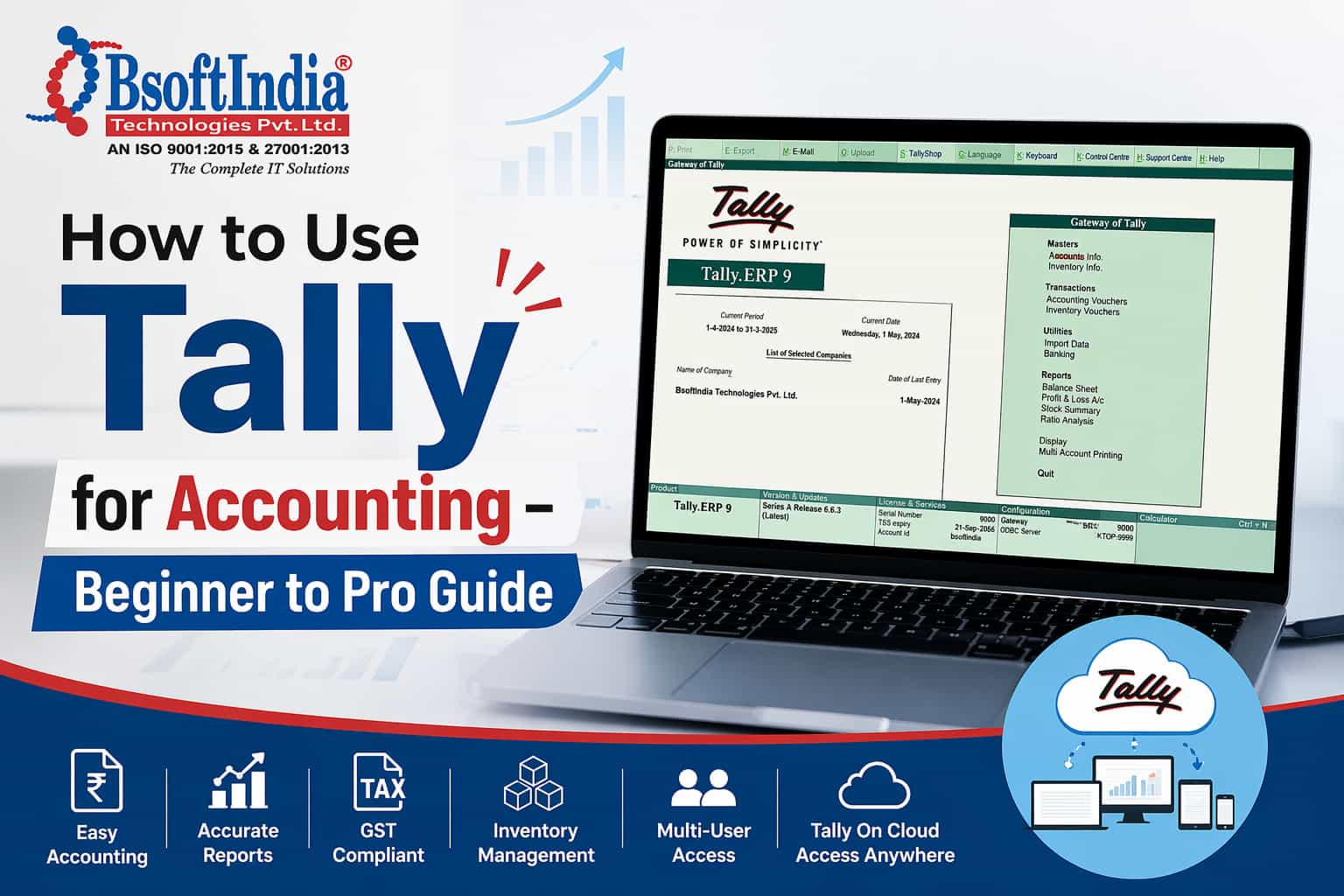
How to Use Tally for Accounting – Beginner to Pro Guide
Introduction
In the current stress-full working of business, financial management is the backbone of business success. Tally is the widely used business accounting software in India. If you are an accountant or just a newbie, knowing how to work with Tally could be a great asset to managing your finances.
In this guide by bsoft.co.in, we will walk you through everything from basics to advanced usage of Tally, helping you become a pro.
What is Tally?
Tally is an accounting software designed to manage financial transactions, inventory, payroll, and taxation in a simple and efficient way. It is widely used by small and medium-sized businesses due to its ease of use and powerful features.
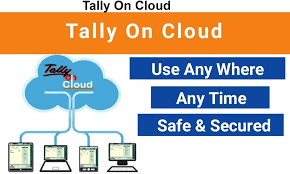
With the advancement of technology, businesses are now shifting towards Tally On Cloud, making it even more accessible and flexible.
Why Use Tally for Accounting?
Here are some key benefits of using Tally:
- Easy to use interface
- Accurate financial reporting
- GST-ready accounting system
- Inventory management
- Multi-user access with cloud solutions
When combined with solutions like Busy on Cloud and Marg on Cloud, businesses can enjoy enhanced productivity and remote access.
Step-by-Step Guide to Using Tally
1. Installation and Setup
To begin using Tally, you need to:
- Download and install Tally software
- Activate your license
- Configure basic settings like company details
Alternatively, you can opt for Tally On Cloud, which eliminates the need for installation and allows access from anywhere.
2. Create a Company in Tally
After installation:
- Open Tally
- Select “Create Company”
- Enter company details such as name, address, financial year
This step sets up your business environment in Tally.
3. Create Ledgers
Ledgers are essential for recording financial transactions.
Common ledgers include:
- Cash
- Bank Account
- Sales
- Purchases
- Expenses
Organizing ledgers properly ensures smooth accounting operations in Tally.
4. Record Transactions
Recording transactions is the core function of Tally.
You can enter:
- Sales entries
- Purchase entries
- Payment and receipt vouchers
- Journal entries
Each transaction is recorded using vouchers, making the process structured and easy.
5. Manage Inventory
Tally also allows you to manage stock efficiently:
- Create stock items
- Track inventory levels
- Manage warehouses
This feature is especially useful for businesses dealing with physical products.
6. GST and Taxation
One of the biggest advantages of Tally is GST compliance.
You can:
- Generate GST invoices
- File returns
- Track tax liabilities
Using Tally On Cloud, you can manage GST from anywhere without being tied to a single system.
7. Reports Generation
Tally has an effective reporting tool wherein:
- Profit & Loss Account
- Balance Sheet
- Cashflow Reports
- Tax Reports
These reports can be used to inform business decisions.”
Advanced Features of Tally
Once you are comfortable with the basics, you can explore advanced features:
1. Payroll Management
Manage employee salaries, attendance, and payslips easily.
2. Multi-User Access
With Tally On Cloud, multiple users can work simultaneously from different locations.
3. Data Security
Tally ensures your financial data is secure with user-level access controls.
4. Remote Access
Cloud solutions like Busy on Cloud and Marg on Cloud provide flexibility to access data anytime, anywhere.
Tally On Cloud – The Future of Accounting
Modern businesses are moving towards cloud-based accounting solutions. Tally On Cloud offers several advantages:
- Access from any device
- No hardware dependency
- Automatic backups
- High security
- Cost-effective solution
At bsoft.co.in, we provide reliable cloud hosting solutions for Tally, Busy on Cloud, and Marg on Cloud, ensuring seamless performance and uptime.
Tips to Become a Tally Expert
To master Tally, follow these tips:
- Practice daily with real transactions
- Learn shortcut keys
- Understand accounting principles
- Explore advanced features
- Use cloud solutions for flexibility
Consistency and hands-on experience are key to becoming a pro in Tally.
Common Mistakes to Avoid
While using Tally, avoid these mistakes:
- Incorrect ledger creation
- Skipping backups
- Wrong GST configuration
- Not reconciling bank statements
Using Tally On Cloud can help reduce risks by providing automated backups and secure access.
Why Choose bsoft.co.in for Cloud Accounting?
At bsoft.co.in, we specialize in providing cloud-based accounting solutions tailored for businesses of all sizes.
Our services include:
- Tally On Cloud hosting
- Busy on Cloud solutions
- Marg on Cloud services
- 24/7 support
- Secure and scalable infrastructure
We help businesses streamline their accounting processes with reliable and affordable cloud solutions.
Conclusion
Learning how to use Tally is a valuable skill for managing business finances effectively. From creating companies to generating reports, Tally simplifies every aspect of accounting.
With the integration of cloud solutions like Tally On Cloud, Busy on Cloud, and Marg on Cloud, businesses can now operate more efficiently and securely.
Start your journey today with bsoft.co.in and take your accounting to the next level.
Frequently Asked Questions (FAQs)
1. What is Tally and why is it used?
Tally is an accounting software used to manage financial transactions, GST, inventory, and payroll. It helps businesses maintain accurate records and generate reports بسهولة and efficiently.
2. Is Tally easy for beginners to learn?
Yes, Tally is beginner-friendly. With basic accounting knowledge and regular practice, anyone can learn how to use Tally for daily business operations.
3. What is Tally On Cloud?
Tally On Cloud allows you to access your Tally software from anywhere using the internet. It eliminates the need for local installation and provides flexibility for remote work.
4. How is Tally On Cloud better than desktop Tally?
Tally On Cloud offers:
- Remote access from any device
- Automatic data backup
- Better security
- Multi-user collaboration
5. Can I use Tally for GST filing?
Yes, Tally is GST-ready. You can create GST invoices, track tax liabilities, and generate reports required for GST filing.
6. What is the difference between Tally, Busy on Cloud, and Marg on Cloud?
- Tally – Popular accounting software for all business types
- Busy on Cloud – Ideal for small businesses with simple accounting needs
- Marg on Cloud – Best for retail and pharmaceutical businesses
All three can be hosted on the cloud for remote accessibility.
7. Is Tally safe for business accounting?
Yes, Tally is highly secure with features like user-level access control and data encryption. Using Tally On Cloud adds extra security with managed backups and secure servers.
8. Can multiple users work on Tally at the same time?
Yes, with Tally On Cloud, multiple users can access and work on the same data simultaneously from different locations.
9. Do I need technical knowledge to use Tally On Cloud?
No, Tally On Cloud is easy to use and does not require advanced technical skills. Service providers like bsoft.co.in handle setup, maintenance, and support.
10. Why should I choose bsoft.co.in for Tally On Cloud?
bsoft.co.in provides reliable, secure, and affordable cloud hosting solutions for Tally On Cloud, Busy on Cloud, and Marg on Cloud, along with 24/7 support.